
Blogs
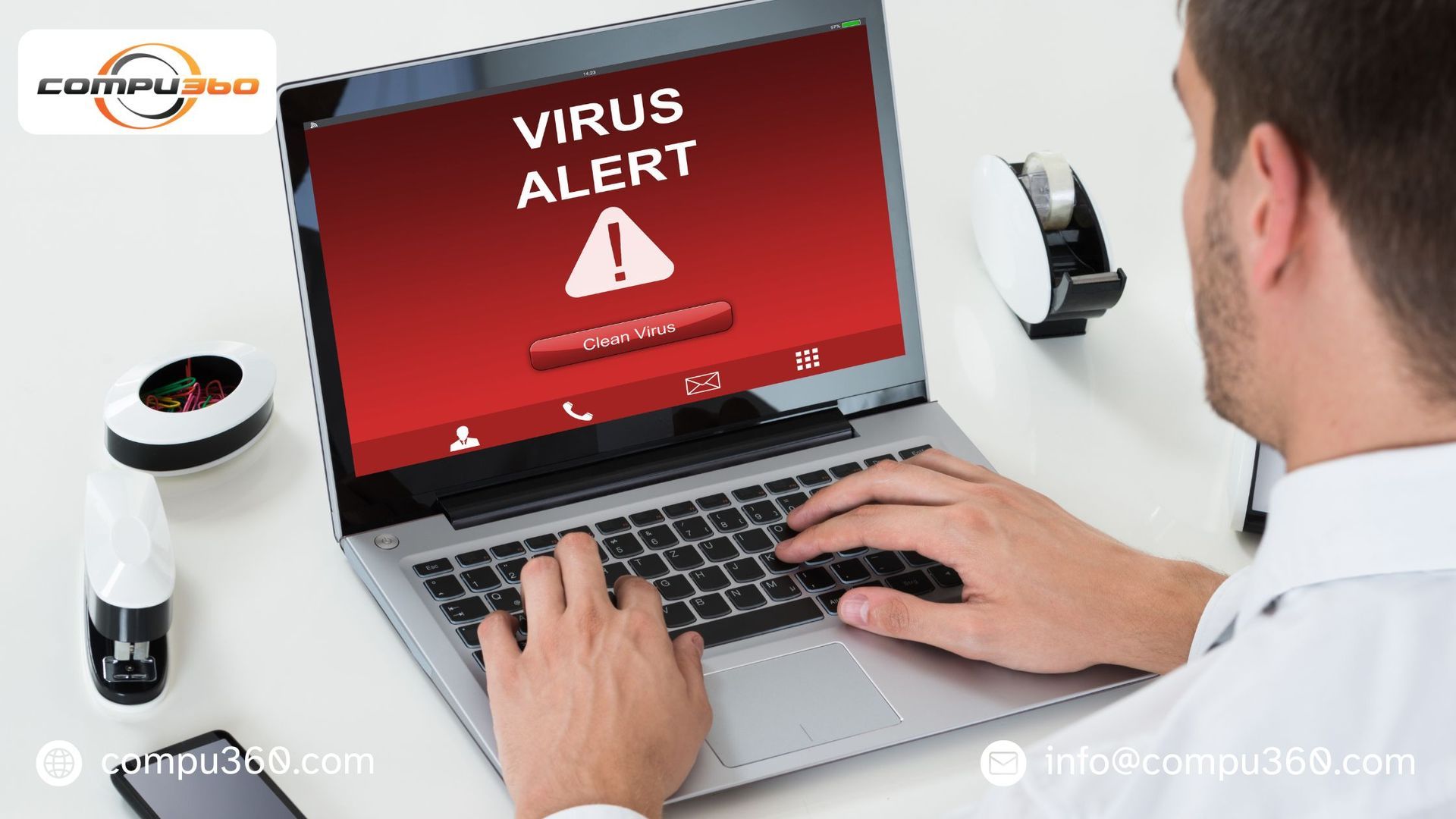
Most small businesses in Westlake use technology to manage daily operations, store sensitive data, and communicate with customers. But this increasing dependence comes with a growing risk, i.e., cyber threats. If businesses ignore these risks, they can lead to serious consequences. That’s why it’s essential for business owners to stay informed and protected. The Rising Threat of Cyber Attacks Cybercriminals are no longer just targeting large organizations. In fact, small businesses have become main targets because of their lack of advanced security systems. From malware to phishing scams, these threats are getting more sophisticated and difficult to detect. A cyberattack can compromise customer data, financial records, and internal systems. Without proper protection measures, recovering from such incidents can be time-consuming and costly. Financial and Operational Impact The main reason why small businesses can’t afford to ignore cyber threats is the financial damage they can cause. A successful attack may lead to data loss, system downtime, and even legal penalties if customer information is exposed. Operational disruptions are another significant concern. When systems go down, productivity is affected. Employees can’t even access important files or complete daily tasks that directly impact customer service and revenue. Damage to Reputation and Trust Reliability is everything for small businesses. Customers can expect their personal and financial information to be handled securely. A data breach can impact that trust and damage your reputation. Once customers lose confidence in your business, it can be difficult to regain. Negative reviews and word-of-mouth can significantly harm your brand and make recovery even more challenging. Common Warning Signs You Shouldn’t Ignore Recognizing early signs of a cyber-threat can help businesses prevent major damage. The common indicators include slow computer performance, frequent crashes, unexpected pop-ups, or unauthorized access to accounts. If you notice any of these issues, you need to act quickly. Seeking professional assistance like a reliable virus removal service , can ensure that threats are identified and eliminated before they escalate. The Importance of Professional Support While some business owners attempt to handle issues themselves, professional assistance offers a more reliable solution. Experts providing computer repair services have experience and insights to detect hidden threats and secure your systems effectively. Additionally, working with specialists in computer repair in Westlake ensures that local businesses receive prompt support specifically tailored to their needs. This can significantly minimize downtime and prevent recurring issues. Preventive Measures for Long-Term Security Small businesses should invest in antivirus software, regular system updates, and secure data backup solutions. They should train their employees to recognize phishing emails and suspicious links. Routine maintenance and security checks can help identify vulnerabilities before they are exploited. Taking proactive steps today can save your business from expensive problems in the future. Final Consideration Cyber threats are a real and growing risk for small businesses. Ignoring them can result in financial loss, operational disruptions, and lasting damage to your reputation. By staying vigilant, relying on Compu360 , and implementing preventive measures, small businesses can protect themselves and continue to thrive in this competitive industry.
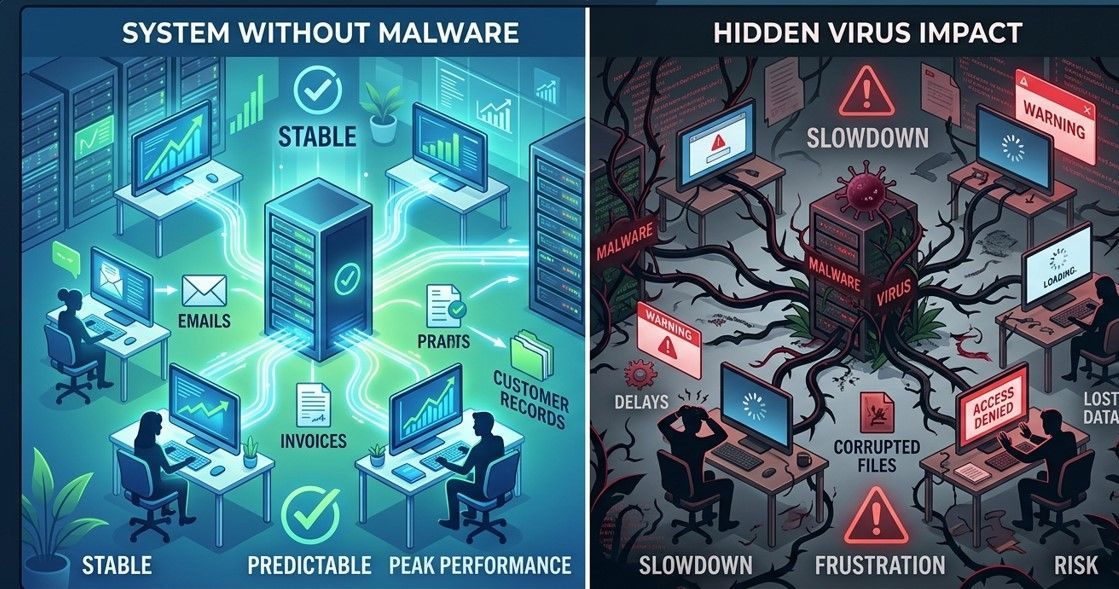
Don't let hidden malware tank your productivity. Learn how professional computer repair in Westlake identifies early signs of system issues and viruses.

Learn how clarity, consistency, and speed build website trust. Explore how web design and development impact user experience and first impressions.

Most businesses don’t really think about their IT systems until something breaks. Everything works… emails send, files open, the internet runs fine. So it feels like nothing needs attention. But behind the scenes there’s always activity happening. Problems Usually Start Small A lot of security issues don’t show up suddenly. Sometimes it’s just a strange login attempt. Maybe an outdated program sitting quietly on a computer. Or a system update that never got installed. These little things are often the early signs that proactive IT monitoring is supposed to catch. Watching the Network All the Time Modern businesses rely on connected systems more than ever. Office computers, servers, cloud tools, laptops, even phones sometimes. All of them talk to each other through the network. With proper network threat monitoring, unusual activity can get flagged before it turns into something bigger. Cyber Problems Don’t Always Look Obvious A lot of people imagine cyber attacks as something dramatic. But honestly… many attacks are quiet. Malware might sit inside a system for weeks before anyone notices. That’s why many data breach prevention strategies focus on spotting strange patterns early. Small Businesses Are Often Targets Too There’s a common belief that hackers only go after big companies. That’s not always the case. Smaller businesses can be easier targets because their security setup may be basic. Improving small business IT security through monitoring tools can make a big difference. IT Monitoring Helps More Than Security Monitoring systems isn’t only about cyber threats. It also helps catch slow servers, failing hard drives, or network overloads. Those issues can cause downtime if nobody sees them coming. Good system performance monitoring helps keep things running without surprise interruptions. Questions Business Owners Often Ask About Do data breaches really happen that often? Unfortunately yes. Many businesses experience some form of cyber incident each year. Can monitoring actually stop attacks? It helps detect suspicious behavior early so IT teams can respond faster. Do small companies really need monitoring? Even basic monitoring tools can reduce security risks quite a bit. Is IT monitoring only about security? No. It also keeps systems stable and helps prevent unexpected downtime. Bottom Line Technology runs almost every part of business operations now. When systems fail or data gets compromised, the impact can be serious. Using proactive IT monitoring allows companies to detect unusual activity early, keep networks stable, and reduce the chances of major security incidents. Businesses needing reliable Computer Repair Services , professional Virus Removal Service , or dependable Computer Repair in Westlake often turn to experienced providers like Compu360. Their team helps diagnose issues, secure systems, and keep business technology running without constant disruption.

Boost your local business with professional web design. Learn how mobile optimization and clear CTAs can drive consistent revenue.

Don't let tech failures halt your business. Get professional computer repair and virus removal in Westlake with Compu 360 today.

Is your website scaring people away? Learn the 5 things your homepage actually needs to convert visitors into calls. Expert web design & development in Westlake, OH.

Is your website driving customers away? Discover 5 essential homepage elements to boost trust and conversions. Get expert web design tips from Compu360.
It happens more often than people admit. You get an email, a text, or a pop-up that looks legit… and before you know it, you’ve clicked a phishing link. Maybe it promised a delivery update, a bank notice, or a prize. Now you’re worried — did I just mess up my computer? Take a breath. Clicking a phishing link doesn’t always mean instant disaster, but you do need to act fast. Here are simple, practical steps to limit the damage — before things get worse. Step 1: Disconnect From the Internet Right Away As soon as you realize you clicked something suspicious: Turn off Wi-Fi Unplug your ethernet cable Stop any downloads This helps block malware from spreading or sending your data out. Step 2: Don’t Enter Any Passwords (If You Haven’t Yet) If the phishing page asked for logins and you didn’t type anything — that’s good news. Close the page immediately. If you did enter passwords: Change them right away Start with email, banking, and important accounts Avoid using the same password again And yeah… it’s annoying, but necessary. Step 3: Run a Full Virus Scan ASAP Phishing links often install hidden threats like spyware, trojans, or crypto-miners. Run a trusted antivirus scan or consider a professional Virus Removal Service to make sure nothing dangerous is hiding in the system. This step is important even if your computer “looks fine.” Hidden malware doesn’t always show obvious signs. Step 4: Watch for Strange Behavior Keep an eye on your device for: Slower performance Random pop-ups Unknown apps or files Browser redirects Accounts acting weird These can be signs that Malware and Virus Removal is needed before the problem spreads further. Step 5: Check Your Financial & Online Accounts If the phishing link looked like it was related to banking, shopping, or social media: Monitor transactions Watch for login alerts Enable two-factor authentication If something looks off, contact the company or bank right away. Step 6: Avoid Clicking “Fix It” Pop-Ups After phishing, some people panic and click more pop-ups that claim to “clean your PC.” That often makes things worse. If you’re unsure what to do next, it’s safer to get real Computer Repair Services instead of guessing. When It’s Time to Call a Professional If your system starts acting strange — or you just want peace of mind — getting help early is smarter than waiting. If you need Computer Repair in Westlake , Compu360 offers: Full Virus Removal Service Malware and Virus Removal Computer cleanup and security checks System repairs and performance tune-ups Free diagnostics with clear pricing They help both home users and small businesses fix issues before they turn into bigger problems. How to Avoid Phishing Next Time (Quick Reality Check) No one is perfect, but these habits help: Don’t click unknown links Be careful with urgent “account alert” emails Hover over links before clicking Keep your system and antivirus updated Trust your gut — if it feels off, it probably is Clicking a phishing link doesn’t make you careless — scammers are getting smarter every year. What matters is acting quickly after it happens. Run a scan. Secure your accounts. And if you feel unsure, getting a professional Virus Removal Service is way better than hoping the problem goes away on its own.
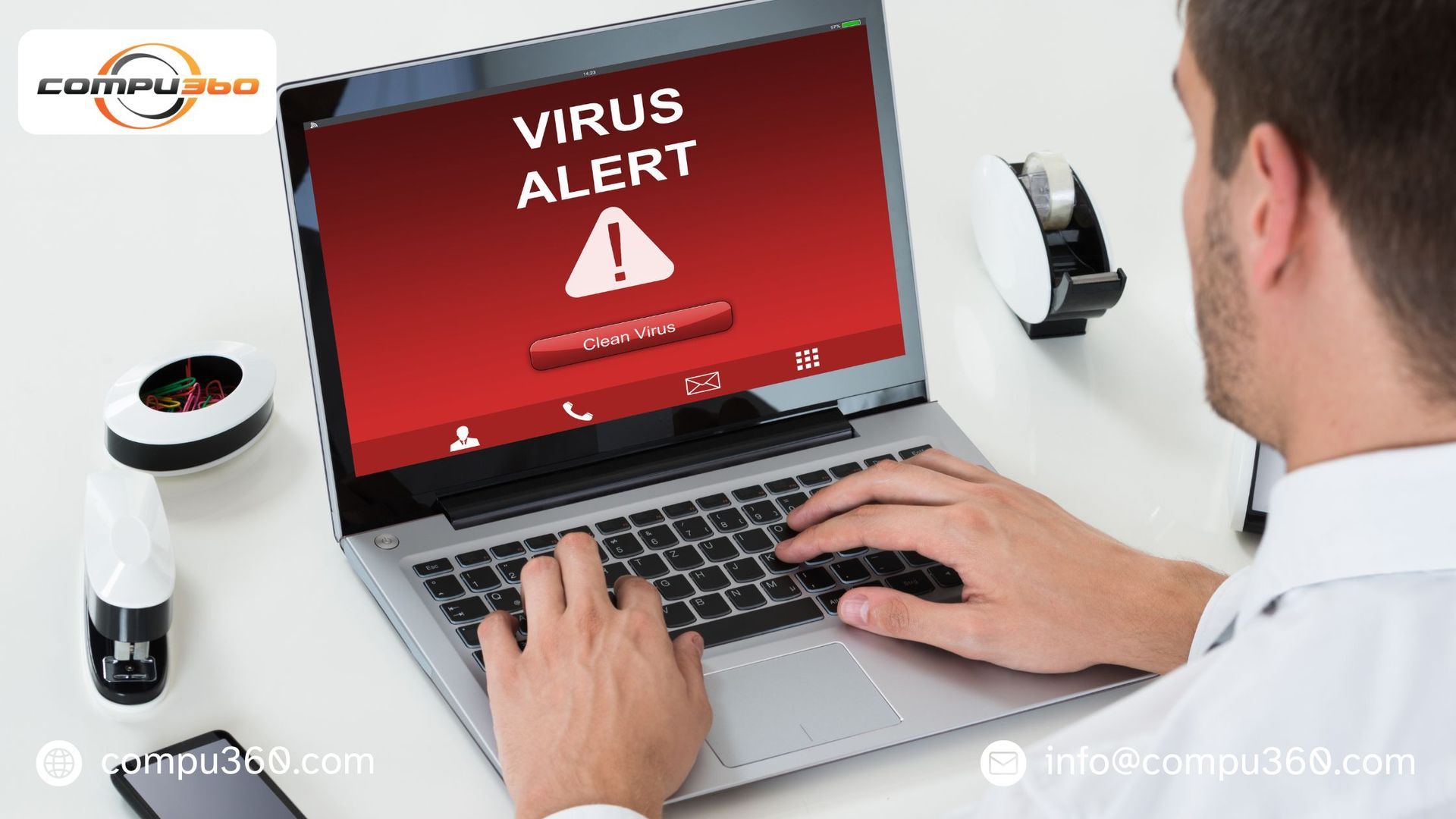
Stop your laptop from melting! From "dust bunnies" to sneaky malware, find out why your computer is hot and when you need professional malware and virus removal in Westlake.